Bring every part of your financial life
into one clear system.
The Ultimate Annual Budget Spreadsheet
helps you organize income, expenses, bills, savings, debt,
net worth and long-term financial goals through one connected
workspace for Google Sheets and Microsoft Excel.
28
Connected spreadsheet tabs
12
Monthly planning views
2
Google Sheets and Excel
Inside your spreadsheet
Four connected systems working together.
Each section has a clear purpose while contributing to one
complete view of your monthly and annual finances.
01
Record
Transactions & Accounts
Record money coming in and going out, organize bank
accounts and keep recurring and variable transactions
easier to manage.
Easy setup and customizable categories
Bank account tracking
Recurring transactions
Payment management
Variable expense tracking
02
Understand
Automated Dashboards
Transform everyday entries into organized totals,
visual charts and useful insights without manually
rebuilding reports every month.
All-in-one financial dashboard
Annual totals and overview
Automated calendar
Paycheck dashboard
Income versus expense insights
03
Plan
Monthly Planning
Plan and review each month individually while keeping
the full year connected. Begin during any month instead
of waiting until January.
Twelve monthly budgeting tabs
Start at any time of the year
Track monthly goals
Review spending patterns
Connect monthly and annual progress
04
Grow
Wealth-Building Tools
Move beyond basic expense tracking with dedicated tools
for savings, debt repayment, net worth and long-term
financial planning.
50/30/20 budgeting dashboard
Expense distribution
Sinking funds tracker
Debt payoff calculator
Net worth tracker
Investment forecast
No-spending challenge
Less manual work. More financial visibility.
Enter your information and let the system organize the
bigger picture.
Built-in formulas and dashboards help turn your financial
entries into a clearer view of your spending, savings,
bills and yearly progress.
01
Understand your spendingReview expenses by category.
02
Follow your progressMonitor goals month by month.
03
Review the full yearConnect monthly activity to annual totals.
Your digital download
Everything needed to begin with confidence.
Receive both spreadsheet formats together with written and
video guidance for setting up and using the system.
GS
Google Sheets Version
Use the included link to create your own editable copy
with a free Google account.
XL
Microsoft Excel Version
Download the included .xlsx spreadsheet for compatible
desktop versions of Microsoft Excel.
PDF
Step-by-Step Setup Guide
Follow the written instructions to prepare, customize
and understand your spreadsheet.
▶
In-Depth Video Tutorial
Watch a guided walkthrough explaining how to navigate
and efficiently use the budgeting system.
28
Complete 28-Tab Workspace
Access the complete transaction, dashboard, monthly
planning and wealth-building system.
↓
Instant Digital Access
Receive your digital files after purchase. No physical
product will be packaged or shipped.
Simple digital delivery
From purchase to setup in three steps.
No physical shipment and no complicated installation
process are required.
01
Download Your Files
Access the digital download containing your Excel file,
Google Sheets link and supporting instructions.
02
Follow the Guidance
Use the PDF guide and video tutorial to prepare the
spreadsheet and understand its main features.
03
Begin Your Budget
Enter your income, expenses, bills, savings and goals to
build your own organized financial overview.
Flexible setup
Choose the format that works best for you.
The spreadsheet is available for Google Sheets and
Microsoft Excel. A computer is recommended for the
smoothest experience with all twenty-eight tabs.
Google Sheets included
Excel .xlsx included
Customizable categories
Currency formatting
Start during any month
Computer recommended
Start budgeting with more organization, visibility and
confidence.
One complete annual budgeting system for Google Sheets and
Microsoft Excel—designed to help you understand where your
money goes and plan what happens next.
Customer experiences
Designed to make budgeting feel simpler and more organized.
Customers frequently mention the clean layout, straightforward setup,
useful dashboards, and time saved by starting with a ready-made system.
4.8out of 5
28 ratings · 19 written reviews
01
Clean, organized layoutDesigned to make complex information easier to follow.
02
Less setup from scratchPre-built formulas and formatting save valuable time.
03
Guidance when neededInstructions, tutorials, and customer support are included.
Written customer feedback
Real words from people who used the templates.
Great sheets. Well planned and very easy to use.
Good product for its price. There was a delay in processing, but the seller responded quickly and helped right away.
Works well in Excel and LibreOffice Calc. There are a few visual differences between apps, but overall it performs exactly as expected. The included video tutorials were very helpful.
I was planning to build something similar myself. This saved me hours of setup and formatting. Thank you! ❤️
Works perfectly in Excel without any issues.
Lots of useful templates that I use for planning and project organization.
Works well in Excel and LibreOffice Calc. There are a few visual differences between apps, but overall it performs exactly as expected. The included video tutorials were very helpful.
Review delivery, compatibility, setup, usage and licensing details before purchasing the Ultimate Annual Budget Spreadsheet.
01
What exactly will I receive after purchasing?
You will receive the Microsoft Excel spreadsheet,
a PDF containing the link to create your Google
Sheets copy, a step-by-step instruction guide and
access to an in-depth video tutorial.
02
Does it work with Google Sheets and Microsoft Excel?
Yes. Both formats are included. A free Google account
is required for Google Sheets. For Excel, the latest
Microsoft Excel desktop version is recommended for
the strongest compatibility.
03
Do I need advanced spreadsheet experience?
No advanced experience is required. The formulas,
dashboards and charts are already built. Follow the
included instructions, then enter your financial
information into the appropriate fields.
04
Can I begin using it during any month of the year?
Yes. The spreadsheet includes twelve monthly tabs,
allowing you to begin during any month instead of
waiting until January.
05
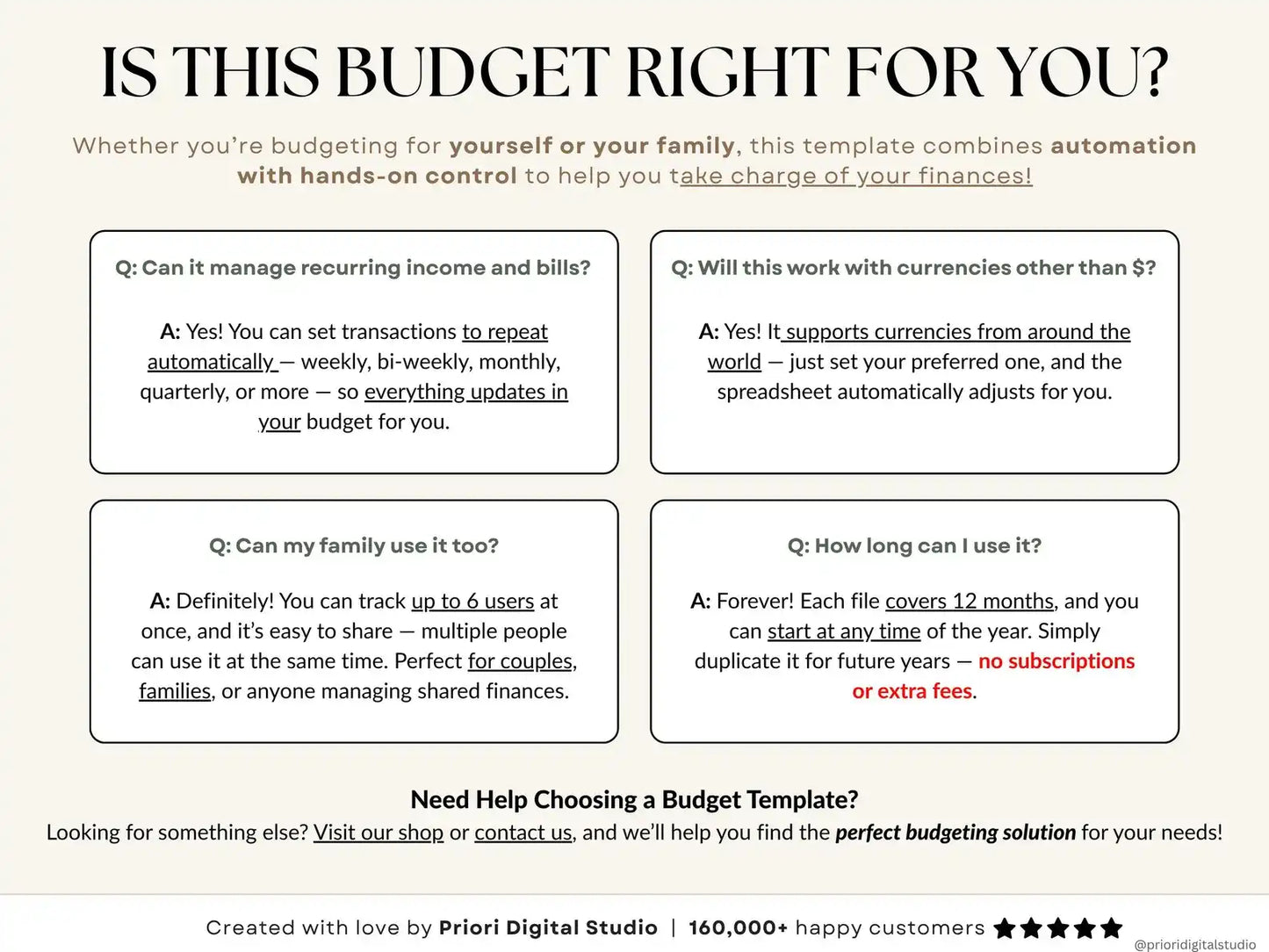
Can I customize the categories and currency?
Yes. Categories and financial entries can be
customized for your personal budgeting needs.
Follow the included instructions when changing
categories or currency formatting.
06
Can I use it on a phone or tablet?
The spreadsheet may open on supported mobile devices,
but because it contains twenty-eight connected tabs,
a desktop or laptop computer is strongly recommended
for the best speed, navigation and experience.
07
Which version is recommended for Mac users?
Google Sheets is recommended for Mac users because
Excel for Mac may be less stable with certain
advanced spreadsheet features.
08
Will it contain the sample information shown in the images?
No. The template is delivered blank. The images
contain sample data only to demonstrate how the
spreadsheet can look after it has been completed.
09
Is this a physical product?
No. This is an instant digital download.
No physical product will be packaged or shipped.
10
Is the product available in other languages?
The spreadsheet, instructions and supporting
materials are currently available in English only.
11
Can I share, resell or redistribute the files?
No. Your purchase is licensed for personal use
only. The spreadsheet may not be shared, resold,
reproduced, publicly distributed or offered to
others, with or without modifications.
12
What should I do if I need help?
Begin with the included PDF guide and video
tutorial. If you still need assistance with setup,
customization, currencies or spreadsheet
functionality, contact GridWise support.
i
Informational and organizational use
The spreadsheet is an organizational tool and does
not provide financial, tax or legal advice. Consider
consulting a qualified professional before making
important financial decisions.
Google Sheets + Microsoft Excel
Organize your financial year through one complete system.
Track income, expenses, bills, savings, debt, net worth
and long-term goals through twenty-eight connected tabs.